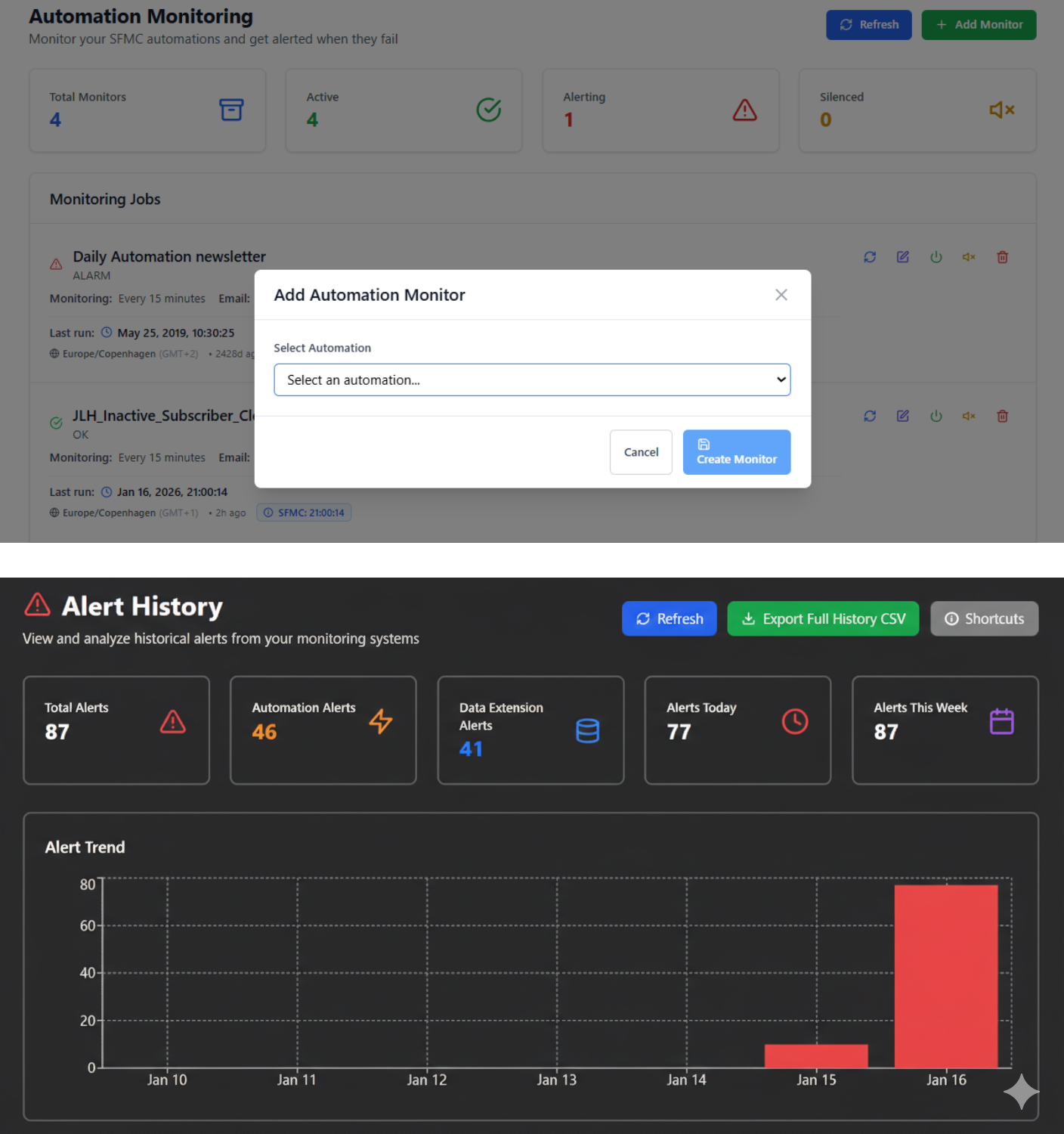
Monitoring Automations in SFMC
Salesforce Marketing Cloud (SFMC) automations are a critical part of many marketing operations. They load and transform data, prepare audiences, and power journeys that drive customer communication.
Despite their importance, automations are often left unmonitored once activated, creating operational blind spots and unnecessary risk.
Why Monitoring Automations in SFMC Matters
Once an automation is live in Automation Studio, it is commonly assumed to “just run.” In reality, automations can fail, stop, or be deactivated, often without being immediately noticed.
Automations can silently fail
Automations may fail due to:
- Activity-level errors
- Source data issues
- Dependency or configuration changes
These failures are not always proactively surfaced, meaning issues are often discovered only after data or journeys are already affected.
Automations can stop running entirely
A very common real-world scenario in SFMC:
- An automation is paused for a quick change
- The change is saved
- The automation is never reactivated
Without monitoring, this can go unnoticed for weeks, leading to missing or outdated data.


Automatic Deactivation
Salesforce itself highlights an important and often overlooked risk:
Automations that fail at least 30 consecutive times and have a 100% failure rate for at least 30 days will automatically be deactivated.
This means that persistently failing automations can be silently turned off by the platform, without proactive notification unless teams are actively checking execution history.
Without monitoring, teams may not realize that:
- An automation has stopped running
- Data pipelines are broken
- Downstream journeys are no longer receiving updated data
Understanding SFMC Automation Alerts and Errors
Salesforce Marketing Cloud provides a range of automation activity errors and alert types, depending on the activities used (SQL Query, Filtered Data Extension, File Transfer, Script, etc.).
However:
- Alerts are often activity-specific
- Errors are fragmented across logs
- There is no consolidated, proactive view of automation health
Salesforce maintains a comprehensive reference of automation activities and error types, which highlights how many different failure scenarios can occur in Automation Studio.
See Salesforce’s full list of Automation Studio activities and error types: here.
This complexity is exactly why automation monitoring becomes critical at scale.

How Proactivox Monitors Automations in SFMC
Proactivox is designed to provide continuous monitoring and governance for Salesforce Marketing Cloud automations.
Proactivox actively monitors and notifies you of issues across each automation instance, including:
- Errors or failed executions
- Skipped or stopped runs
- Automations that are paused or deactivated
- Automations that have not executed as expected
This makes it possible to detect issues before they impact data, journeys, or campaigns.
Centralised Visibility Without Custom Scripting
With Proactivox, SFMC teams gain:
- Clear visibility into automation execution status
- Early detection of failures and inactive automations
- Reduced reliance on manual checks in Automation Studio
- Greater confidence in downstream data and journeys
All delivered natively, without custom scripts or external schedulers.
Monitoring Automations Is Foundational to SFMC Governance
Automation monitoring is not just about error handling, it is about operational reliability and governance.
By ensuring that automations:
- Run when expected
- Do not fail silently
- Are not accidentally deactivated
Teams can prevent small issues from becoming major business problems.
Learn more about how Proactivox supports automation monitoring and governance in Salesforce Marketing Cloud here.